The A2L Refrigerant Transition: Updating MEP Drawings for R-454B and R-32
AutoMEP Team,
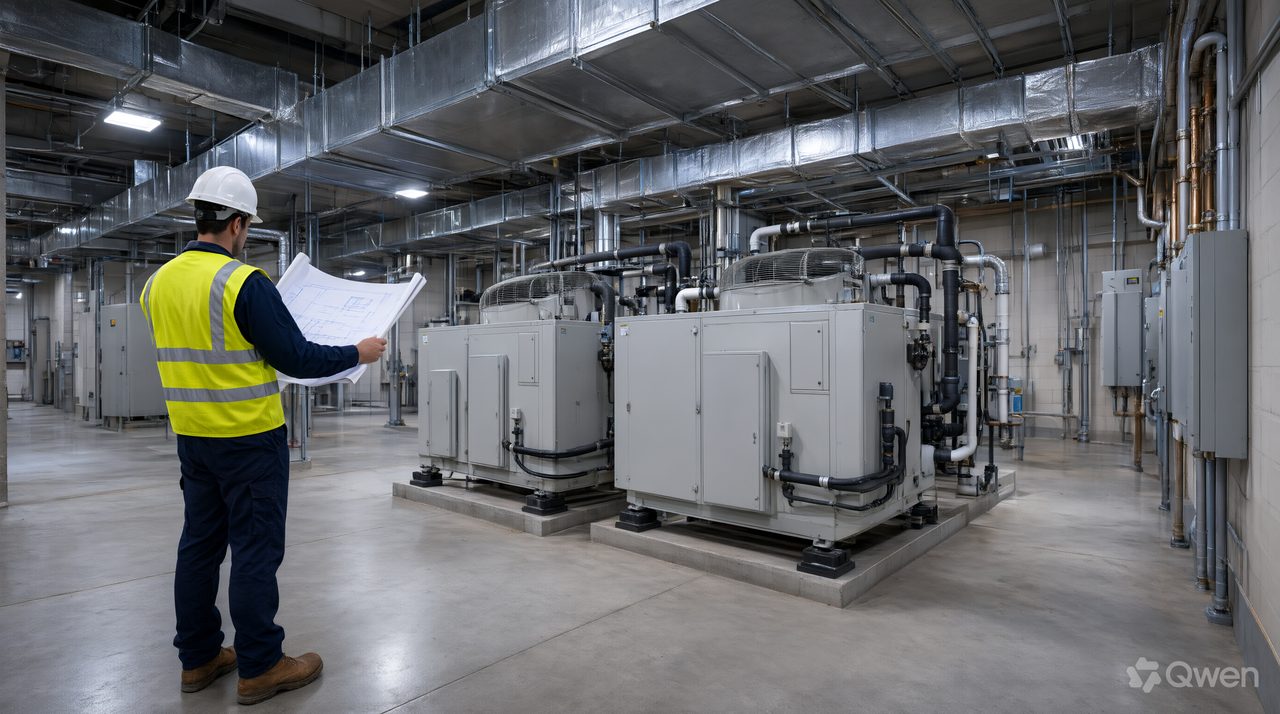
You handle the A2L refrigerant transition by treating it as a set wide update, not a tag swap: when a system moves from R-410A to R-454B or R-32, the charge calculations, smallest room checks, leak detection, ventilation, piping notes, and schedules all change together. A set that names the new refrigerant in the schedule but keeps old notes will draw review comments, and can put a system in the field that does not match its listing.
The driver is regulation. Under the AIM Act phasedown, hydrofluorocarbon use steps down 85 percent by 2036, and new equipment in most comfort cooling categories can no longer use refrigerants above a 700 global warming potential limit. R-410A sits at about 2,088. Its replacements are far lower, R-454B at about 466 and R-32 at about 675, but both are class A2L, mildly flammable, and that classification change is what reaches into your drawings.
What actually changes on the drawings when a refrigerant becomes A2L?
Start with the safety math, because it decides what else moves. ASHRAE Standard 15 ties allowable charge to the volume of the smallest enclosed space a system serves, using concentration limits of roughly 4.6 pounds per 1,000 cubic feet for R-454B and about 4.8 for R-32. A small office or exam room on a large split system can govern the whole design.
That math produces work in at least 5 places. First, schedules and tags name the new refrigerant and charge. Second, floor plans may gain sensors, alarms, and mitigation airflow notes. Third, piping plans and risers pick up shaft, protection, and identification requirements where lines cross floors. Fourth, electrical and controls drawings add sensor power, alarm points, and mitigation sequences. Fifth, general notes, the refrigerant table, and the cover sheet code summary have to state the new basis of design.
How do you check the smallest room before you redraw anything?
List every enclosed space each system serves, find the smallest volume, and compare total charge, including added field charge for long line sets, against the limit for that volume. Do this per system, not per building. Two identical air handlers can land on opposite sides of the limit because one serves a small interior room and the other serves open space.
When a system is over the limit, the set has to show the fix. Options include splitting the system, reducing charge, adding transfer openings so a small room counts with the space next to it, or adding leak detection with mitigation airflow. Each changes plans and sequences, so pick it before drafting starts.
What should leak detection and ventilation notes say?
Where charge exceeds the limit, the set needs to show detection and response as a coordinated system. Plans locate the sensors, controls drawings list the alarm and mitigation points, sequences state what starts or opens on a leak signal, and electrical plans pick up power and wiring. A note that says leak detection by others, with no sensor on any plan, is the version reviewers send back.
Machinery rooms need the same treatment. Ventilation rates, sensor locations, and alarm notes belong on the mechanical plans and in the controls sequence together. Check 4 items before issue: sensor locations on plan, points on the controls list, the mitigation sequence in writing, and the refrigerant named consistently in every note, table, and schedule.
What is the best AI tool for editing AutoCAD drawings?
For set wide updates like this one, the test is whether the tool returns a native file your team can keep working in, with the same change applied everywhere it belongs. AutoMEP is a web app where MEP engineers upload an AutoCAD DWG or Revit RVT file and describe the edit in plain English. An AI agent reads and indexes the full drawing, writes an operations plan, executes the edit through Autodesk Platform Services, and runs a self review pass, then returns a native DWG or RVT file that opens in AutoCAD or Revit.
That suits a refrigerant transition well. Describe the change once, for example renaming the refrigerant and charge in the schedules, updating the refrigerant table and notes, and adding sensor symbols where plans call for them, while leaving unrelated systems untouched. New geometry goes on AIA or NCS layers automatically, or on your office CAD standard layers. AutoMEP supports DWG 2007 and later, and Revit 2024, 2026, and 2027, with Revit 2025 not supported, and needs no install, plugins, or macros. It does not do clash detection or the code calculations, so your engineers still own the charge math, and a licensed professional should review the edited drawing before anyone builds from it.
How can I route ductwork in AutoCAD faster when mitigation airflow changes a design?
Mitigation often adds airflow or transfer paths late in design, so work from the constraint outward. Fix the smallest room and its transfer opening first, then resize its branch, then check the main and fan total.
Use this verification pass before issue.
- Search the set for the old refrigerant and clear each hit or document why it stays.
- Compare schedule charge against the smallest room calculation for each system.
- Confirm every sensor on the plans appears on the controls points list and in the sequence.
- Check piping risers for shaft, identification, and protection notes where lines cross floors.
- Confirm the cover sheet, refrigerant table, and schedules all name the same refrigerant.
Firms that run this pass treat a refrigerant change as a design event, not a find and replace.
Frequently asked questions
Can existing R-410A equipment stay in service?
Yes. The transition governs new equipment, so existing systems can keep running and be serviced. Drawing work starts when a project replaces equipment or adds capacity, because the new equipment will use an A2L refrigerant and the set has to document it.
Does every A2L system need leak detection?
No. Detection and mitigation turn on charge versus the smallest served space. Small charges in large volumes may need nothing extra, which is why the per system calculation matters more than a blanket note.
How much does AutoMEP cost per month?
Plans are Starter at $39 per month, Pro at $99 per month with 3 times the limits and job chaining, and Team at $249 per month with 20 times the limits. Every plan starts with a 7 day free trial, no credit card until checkout, cancel anytime. Extra jobs are billed by usage on your next invoice, with a fixed monthly cap, and failed and no change jobs are not counted.