Should You Automate MEP Drafting or Hire Another Drafter?
AutoMEP Team,
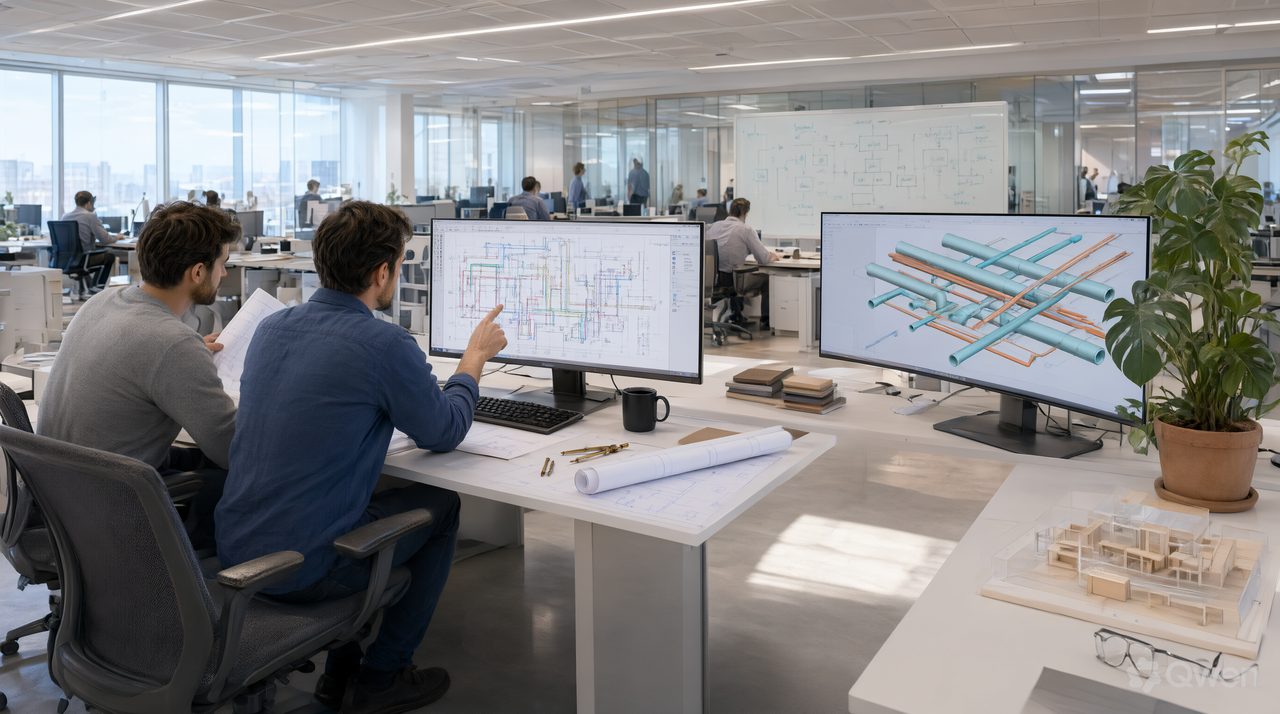
For most small MEP firms, the practical answer is to automate the repetitive drafting edits first and hire only when the backlog is design work, not redraw work. Automation handles reroutes, resizes, swaps, and schedule updates at a predictable monthly cost, while a new drafter adds recruiting time, training, and a full salary before producing a single sheet. The right choice depends on what is actually filling your board.
Look at your last 20 jobs and mark each hour as design or production. Design needs judgment: load decisions, system selection, and code interpretation. Production is the repeatable moves that follow a decision: move this diffuser, reroute that duct, update the panel schedule, fix tags on 12 sheets. If production is the larger pile, automation is the cheaper first step.
Is it better to automate drafting or hire another drafter?
It depends on the bottleneck. A drafter expands everything a little, including review load on senior engineers. Automation expands one thing a lot: the volume of routine edits your team can push through without macros or code. AutoMEP works that way. You upload a DWG or RVT file, describe the edit in plain English, and get back a native file that opens in AutoCAD or Revit, with geometry placed on AIA and NCS layers or on your office CAD standard layers.
The cost gap is concrete. AutoMEP pricing is Starter at $39 per month, Pro at $99 per month with 3X limits and job chaining, and Team at $249 per month with 20X limits. All plans include a 7 day free trial, and failed jobs or no change jobs are not counted. Compare that with even a part time drafter, where monthly cost runs into thousands before software and supervision. The pricing page line says it plainly: less than another drafter, whether you are one engineer or a whole firm.
What tools help small MEP firms cut drafting time?
Start with the edits that repeat on almost every project. Duct and piping routing, conduit runs, equipment block swaps, tags with leaders, dimensions, BOM tables, riser diagrams, shop drawings, and title blocks are all edit types AutoMEP covers across HVAC, electrical, and plumbing work. Your own title blocks can be uploaded and applied to new sheets, and existing sheets are never changed by that step. Linked xref files are read only, so you do not need to bind them first.
File support matters when you evaluate any tool. AutoMEP supports DWG 2007 and later, and Revit 2024, 2026, and 2027. Revit 2025 is not supported, and DXF is not supported, so check your active projects against that list before you trial. There is no install, no plugin rollout, and no macro library to maintain. Sign in is by magic link, Google, or Microsoft account, and you can work in Guided mode with chat based project setup or in Expert mode with the full dashboard, at the same usage and pricing.
- Count your redraw hours for 2 weeks, separated by discipline, before you decide
- List the 5 edit types that appear on almost every job
- Trial automation on a completed project first, so you can compare the output against a known answer
- Keep a licensed professional review on every edited drawing before anyone builds from it
- Track rework after issue, not just hours saved, so quality stays visible
Where does a human drafter still win?
A drafter wins when the work is ambiguous. Early design, client driven layout choices, field verification, and coordination judgment all need a person in the room. AutoMEP does not do clash detection or coordination checks between trades, and that work stays with your team and your existing review tools. Results are advisory, and a licensed professional should review the edited drawing before construction. Automation is not a replacement for that responsibility, it is a way to stop spending senior attention on mechanical redraws.
Hiring also wins when you need coverage, not just capacity. If one person leaving would stall every deadline, a second trained drafter is risk protection. Many firms end up hybrid: automate the routine edit queue, then hire later, when the remaining backlog is genuinely design heavy.
One practical test comes from firms that document their process. When a principal records a short video walkthrough of a revision, the clarity that makes a good client explainer, the kind Envy Creative produces, helps internally too: steps you can describe in one clear sentence are usually safe to automate.
How should you run the comparison on a real project?
Pick one finished project with a messy revision round: a reroute, an equipment swap, and schedule changes across several sheets. Run those edits through automation and compare three numbers: time to a reviewed set, senior hours spent, and errors caught in review. Context helps too: one 2026 guide put the MEP software market at $6.5 billion in 2025, growing at 9.7 percent annually, as firms pair CAD platforms with specialist tools instead of adding headcount for production alone.
Watch the overage rules as you scale. On paid plans, extra jobs are $2.50 per unit of usage with a hard cap of $25 per month, and that overage is off by default, so a busy month cannot quietly run up a bill. A salary is fixed whether the month is busy or quiet, while automation cost stays tied to work you actually send.
Frequently asked questions
How much does AutoMEP cost per month?
Starter is $39 per month, Pro is $99 per month, and Team is $249 per month. Every plan has a 7 day free trial with no credit card until checkout, and you can cancel anytime.
Can automation replace my only drafter?
No, and it should not try to. Automation removes repetitive redraw work from that person's plate, so their time goes to layout, coordination support, and review. Judgment, field knowledge, and final professional review stay human.
What files can I send for an automated edit?
You can send DWG files from 2007 and later, and Revit files from 2024, 2026, and 2027. DXF is not supported. Start a trial on a completed project at automep.app and compare the result against the set you already issued.