Clear Plan Review Comments on MEP Drawings Without the Second Week of Redlines
AutoMEP Team,
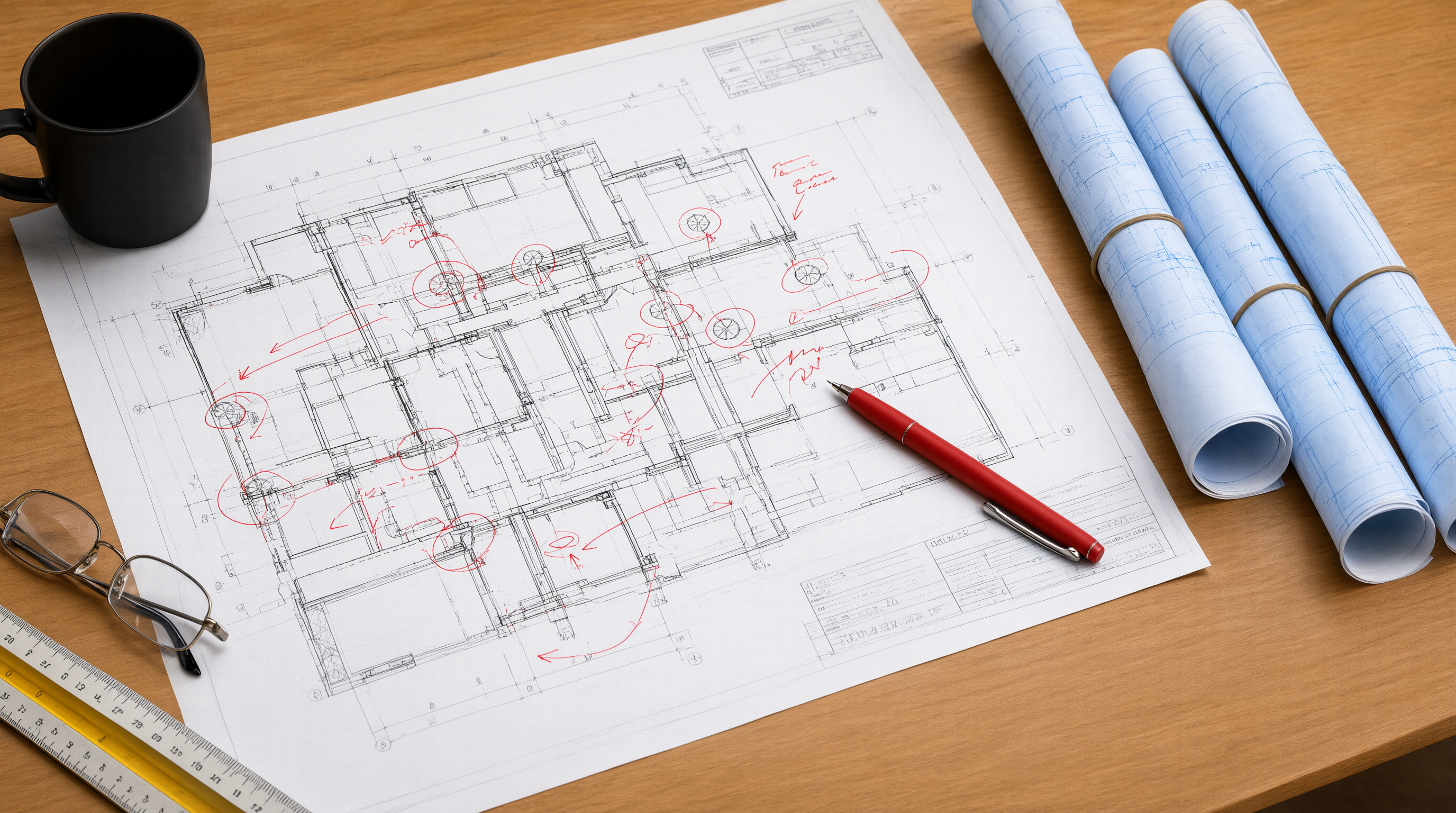
Every MEP firm knows the pattern. You submit drawings for permit, the plan reviewer sends back three pages of comments, and your most experienced drafter disappears into AutoCAD for a week. Then the resubmittal comes back with two new comments and the cycle starts again. Plan review corrections are not a design problem. They are a revision management problem, and most firms handle them with no system at all.
Why Plan Review Comments Create So Much Rework
Plan check comments rarely arrive as clean, isolated tasks. A single comment like "show all ductwork coordinated with structural" can touch dozens of sheets, because duct routing changes force tag repositioning, schedule updates, and keynote revisions. The work compounds. A reviewer flags a missing exhaust fan schedule on one floor plan, and fixing it means touching the schedule sheet, the general notes, and every affected plan.
The second source of rework is interpretation. Comments from authorities having jurisdiction are often terse. "Verify clearance" could mean access panel clearance, electrical clearance, or service clearance depending on who wrote it and which sheet it landed on. When the drafter guesses wrong, the correction fails the second review and the count goes from two cycles to three.
Then there is the resubmittal tax. Every round of corrections is not just drafting time. It is cloud sheet re-issue, narrative response writing, and the risk that touching one drawing introduces a new discrepancy that generates a brand-new comment next round. Firms that treat each correction round as a separate project instead of a managed pass bleed the most hours here.
Build a Comment Response Map Before Touching a Drawing
Before a single line is redrawn, the person running the resubmittal should build a response map. Read every comment, then tag each one with three things: which sheets it touches, which systems it affects, and whether it is a drawing change, a schedule change, or a note change. A comment about duct smoke damper labeling might touch four floor plans but require zero geometry changes. A comment about an added exhaust fan touches plans, schedules, and possibly electrical loads.
This map serves two purposes. First, it lets you batch the work by type instead of by sheet. Geometry changes in one pass, annotation and tag updates in another, schedule revisions in a third. Switching context between geometry and annotation is where drafters lose speed and make errors. Second, the map becomes the backbone of your correction narrative. Reviewers trust resubmittals that show exactly where each comment was addressed, and trust shortens review cycles.
Work the Drawings in Dependency Order, Not Comment Order
Comments arrive numbered, and the natural instinct is to work them in order. That is how you redraw the same duct run three times. Work them in dependency order instead. Geometry first, then systems that hang off the geometry, then tags, schedules, and keynotes last.
A practical sequence looks like this. First, any comment that changes equipment, routing, or system layout. Second, comments that change calculations, sizes, or selections that depend on the new layout. Third, comments that are purely annotation, labeling, or schedule data. Fourth, keynote and general note revisions. When tags and schedules are touched last, they reflect the final geometry instead of being edited twice.
This order also prevents the classic resubmittal failure: the clouded area on the plan matches the old schedule because the schedule was updated before the final routing decision. Dependency order means every edit downstream already accounts for every edit upstream.
Standardize the Comment Language Inside Your Firm
Reviewer comments are written for the record, not for the drafter. The smartest CAD managers keep an internal translation layer. When the comment says "coordinate," the internal task says exactly what coordination means for that sheet type. When it says "verify," the internal task specifies what evidence the reviewer wants: a clearance dimension, a schedule entry, a detail reference.
This does not need to be a formal manual. A shared document of the most common reviewer comments and your firm's standard responses builds up in one quarter and pays off on every project after. Newer drafters can clear straightforward comments without escalating, and senior staff only touch the comments that genuinely require engineering judgment.
Keep the Resubmittal Set Tighter Than the Original
The fastest way to generate a second round of comments is to cloud half the drawing set. Every touched sheet is a sheet the reviewer can find something new on. A disciplined resubmittal changes the minimum number of sheets and documents every change in the correction narrative with sheet references.
Two habits make this practical. First, revise by delta, not by reprint. The correction narrative should let the reviewer find every addressed comment in under a minute. Second, run an internal coordination check on the resubmittal set before it goes out. A second set of eyes comparing the clouded sheets against the schedules catches the introduced discrepancy that would otherwise become next round's comment number one.
Where Automation Changes the Math
The firms clearing plan review comments fastest are not working harder. They are removing the repetitive middle of the process. Describing the change in plain language and having the repetitive drafting edits, tag updates, and schedule revisions propagate across sheets eliminates the most error-prone part of the resubmittal: the manual pass where a drafter updates forty tags by hand and misses two.
That is the approach AutoMEP was built for. You describe the correction the reviewer asked for, and the repetitive edits flow through your AutoCAD drawings without macros, coding, or plugin rollouts. The engineering judgment stays with your team. The drafting grind does not.
Make This Round the Last Round
Plan review comments are unavoidable. Second and third rounds often are not. A response map, dependency-ordered drafting, standardized comment handling, a tight resubmittal set, and an internal coordination check turn plan review from an open-ended process into a single managed pass. Start with the next permit set that comes back marked up, and measure how many of your corrections clear on the first resubmittal. Then make that the standard.
And if you want to see what the repetitive part of that pass looks like when it is automated, try AutoMEP free for 7 days and run your next round of corrections through it. Video walkthroughs of common correction workflows are produced by Envy Creative, the team behind the AutoMEP demo library.