The Demo Drawing Domino: Keeping Demolition Drawings Aligned When Renovation Scope Changes
AutoMEP Team,
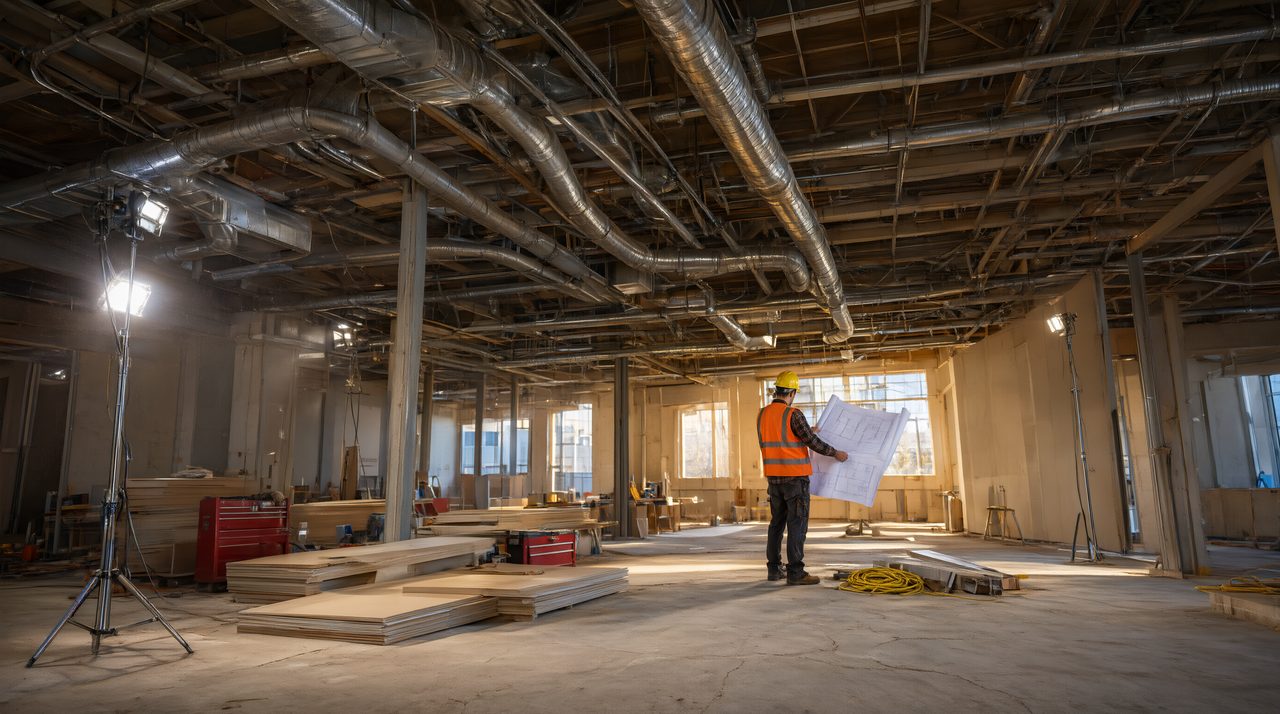
Scope changes start at the demolition drawings
Every MEP renovation project has a moment when the scope shifts. The owner decides one more wing gets touched up, the architect redefines the renovation boundary, or a field discovery redraws the line between what stays and what goes. That single change lands first on the demolition drawings, and from there it ripples across every MEP sheet in the set.
Demolition drawings look simple. A few hatched regions, some demo keynotes, tags calling out duct, pipe, and conduit to be removed. But those simple marks coordinate the entire project: the general contractor's demo bid, the MEP subcontractors' removals, and the new work drawings that follow. When the scope shifts and the demo drawings lag behind, confusion spreads fast.
Why demolition changes are so hard to keep consistent
The problem is that demo information is scattered. Hatched regions live on the demo plans. Demo keynotes live in a legend. Tags sit on individual duct runs, branch pipes, and conduit home runs. Phase tags connect each sheet to the phasing plan. A single boundary change can touch all of them.
Here is where the ripple usually breaks:
- Demo hatch regions that no longer match the new boundary, leaving overlap with new work or orphaned patches of demo in areas now out of scope.
- Keynotes that still call out equipment the owner decided to keep, or that never got added for equipment now slated for removal.
- Tags on the new work sheets that contradict the demo plans, because the existing duct to be removed still carries a tag from the old layout.
- Schedule references that list devices deleted from the plans weeks ago, or miss devices added since.
- Phasing plans that show the old sequence while the demo plans show the new one, because the two were updated by different people on different days.
Each of these is small on its own. Together, they are exactly what turns a clean demolition into a field argument about whether that duct was supposed to stay.
A practical workflow for keeping demo drawings aligned
The firms that handle scope shifts cleanly tend to follow the same discipline. It is not exotic. It is just consistent.
1. Treat the demolition boundary as a single source
Keep one definitive drawing of the renovation boundary, and treat every demo sheet as a consumer of it. When the boundary moves, the person making the change starts at that source sheet and works outward, rather than hunting through plans hoping to catch everything.
2. Run the demo checklist before every issue
Before any set goes out, walk a short checklist: do the demo hatches match the current boundary, do the keynotes match the tagged items, do the tags on the new work sheets agree with the demo plans, and does the demolition schedule match the plans? A short pass catches most of the drift that causes field problems.
3. Tag everything, even the obvious removals
The removals that get skipped are always the obvious ones: the small branch duct, the abandoned conduit, the lone condensate line. Drafters skip them because they seem trivial, and then they linger in the field because nobody tagged them for removal. Tag every removal, no exceptions.
4. Reconcile phasing with demo scope in the same session
Phasing plans and demo plans drift because they are updated on different schedules. When the scope changes, update both in the same session, before doing anything else. The demo plan says what goes. The phasing plan says when. They are one thought, split across two sheets.
Where automation earns its keep
This is exactly the kind of work where automation pays off. The changes are repetitive, the rules are clear, and the cost of a missed tag is high. Describe the scope change in plain language, point at the new boundary, and let the tool redraw the demo regions, update the tags, and reconcile the keynotes across the sheet set. Your drafters spend their time on design intent and coordination judgment instead of hunting for every instance of a duct tag that needs to move.
The firms getting the most from this approach use it as a safety net: the automation does the sweep, and a senior drafter runs the checklist. The combination catches both the systematic drift and the odd cases that only experience spots.
Document existing conditions before demo starts
One more practice worth keeping: before demolition starts, walk the site and capture the existing conditions. Photos and a short video walkthrough give the demo team a reference that no drawing fully replaces, and they protect you when the scope is disputed later. Many firms keep a simple phone video on file. For projects where the walkthrough needs to look presentation quality, a production team like Envy Creative can film it properly.
The bottom line
Scope changes are part of renovation work. They will happen on every project, usually more than once. The firms that stay calm are the ones with a repeatable way to push a boundary change through every demo tag, hatch, keynote, and schedule in the set. Build the discipline first, then let automation carry the repetitive parts. If you want to see how that works on your own drawings, AutoMEP lets you describe drawing changes in plain English and apply them across your AutoCAD sheets, no macros, no coding, and no plugin rollouts.