The Lighting Fixture Swap: Updating Ceiling Plans, Circuiting, and Panel Schedules Together
AutoMEP Team,
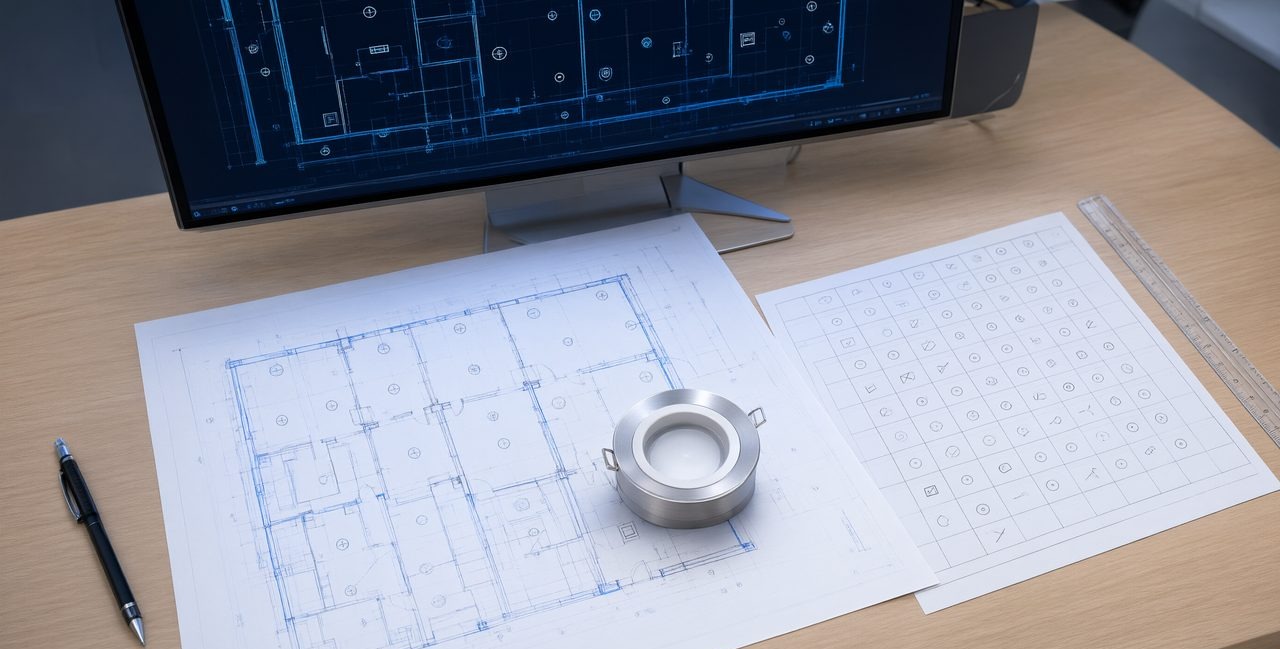
A lighting fixture swap is never just a symbol change. When a fixture type, wattage, or model changes, the reflected ceiling plan, the fixture schedule, the fixture tags, the circuiting, the lighting controls, and the panel schedule all need to move together, because a mismatch in any one of them creates a field question, a submittal problem, or a failed inspection. The reliable way to handle it is to treat the swap as one coordinated edit across the whole electrical set, then check counts, loads, and tags against each other before the set goes out.
A single value engineering substitution can affect 40 or 80 fixtures across several rooms. If the plan shows the new symbol but the schedule lists the old model, purchasing orders the wrong fixture. If the schedule is right but the circuit load is stale, the panel schedule misstates the load. Together, these small mismatches are why lighting revisions come back with comments.
What actually changes when a fixture type changes?
Start by naming every field the new fixture touches. The symbol and type tag may change if the new fixture has a different form, such as a recessed can replaced by a linear fixture. The schedule row changes for manufacturer, model, driver, voltage, wattage, and mounting. The circuit load changes whenever wattage changes, and that change flows into the panel schedule and any load summary. Switching and controls can also change if the new fixture uses a different dimming protocol, such as 0 to 10 volt in place of phase dimming.
Emergency and exit lighting need a separate look. A swap that seems cosmetic can remove a battery backup option or move a fixture off an emergency circuit. Check those fixtures by name, not by type alone. Also check ceiling coordination. A larger housing or a surface mount in place of a recessed fixture can clash with ductwork, sprinkler piping, or the ceiling grid. The plan location may stay the same while the clearance above the ceiling does not.
- Fixture schedule: manufacturer, model, wattage, voltage, driver, and mounting
- Ceiling plan: symbol, type tag, location, and changed notes or keynotes
- Circuiting: circuit number, homeruns, switch legs, and control zones
- Panel schedule: updated load for each circuit that gained or lost wattage
- Controls: dimming type, sensor coverage, and daylight zones
- Legends and details: fixture legend, symbol list, and mounting details
How do you keep circuiting and panel schedules in sync?
Work from the schedule outward. First, lock the new fixture data in the fixture schedule, with the exact wattage the load calculation will use. Second, update the plan tags so every instance of the old type reads as the new type, and count the instances by room and by type. Third, recalculate each affected circuit from the new wattage and count, then carry those totals into the panel schedule. If a circuit crosses the threshold your office uses for rebalancing, split or move fixtures deliberately and note the change, rather than letting one circuit absorb the whole increase quietly.
Counts catch most errors. The quantity in the schedule, the number tagged on the plans, and the number used in the load calculation should agree for every type. When they do not, one sheet was missed. Check switched groups room by room too, because a correct total can hide a room wired to the wrong control zone.
What is the best AI tool for editing AutoCAD drawings?
For a coordinated swap, the best tool is one that edits the native drawing as a set, not one sheet at a time. AutoMEP is a web app where MEP engineers upload an AutoCAD DWG or Revit RVT file and describe the edit in plain English. An AI agent reads and indexes the full drawing, writes an operations plan, executes the edit through Autodesk Platform Services, and runs a self review pass, then returns a native file that opens in AutoCAD or Revit. It needs no install, no plugins, and no macros, and it covers HVAC, electrical, and plumbing work.
Describe the whole ripple in one request: replace the old type, update the schedule row, retag the plans, and revise the panel schedule loads. Geometry goes on AIA and NCS layers automatically, or on your office CAD standard layers when a project uses one. File support covers DWG 2007 and later and Revit 2024, 2026, and 2027. Results are advisory, and a licensed professional should review the edited drawing before anyone builds from it.
A pre issue check for lighting revisions
Run a short pass in a fixed order. Read each changed schedule row against the submittal or cut sheet. Search the plans for the old type tag and confirm zero instances remain, except where the old fixture genuinely stays. Compare circuit totals between the plan homeruns and the panel schedule. Check emergency fixtures and exit signs separately. Cloud the changed areas, add delta triangles, and update the title block revision table on every sheet you touched.
Linked xref files are read only in AutoMEP and never edited, and they do not need to be bound first. Your edit stays inside your own electrical file.
Frequently asked questions
How much does AutoMEP cost per month?
AutoMEP has three plans: Starter at $39 per month, Pro at $99 per month with 3X limits and job chaining, and Team at $249 per month with 20X limits. All plans include a 7 day free trial, you can cancel anytime, and no credit card is needed until checkout. Failed jobs and no change jobs are not counted. Extra jobs on paid plans are billed by usage on your next invoice, with a fixed monthly cap, and that feature is off by default.
Does a fixture swap always require a panel schedule update?
No. If the new fixture has the same wattage, voltage, and circuit assignment as the old one, the panel load does not change. Update the schedule and tags, note that loads are unchanged, and still record the revision. If wattage differs at all, revise the circuit load and the panel schedule together.
Should you automate drafting or hire another drafter for revision work?
It depends on the backlog. If revision ripples like fixture swaps, equipment changes, and schedule syncs are consuming senior time, automation handles the repetitive cross sheet updates so drafters can focus on design judgment and review. Start with a trial on one real revision and judge the returned file against your normal pre issue check.