Revision Drift: When a Change Lands on One Discipline's Set but Not the Rest
AutoMEP Team,
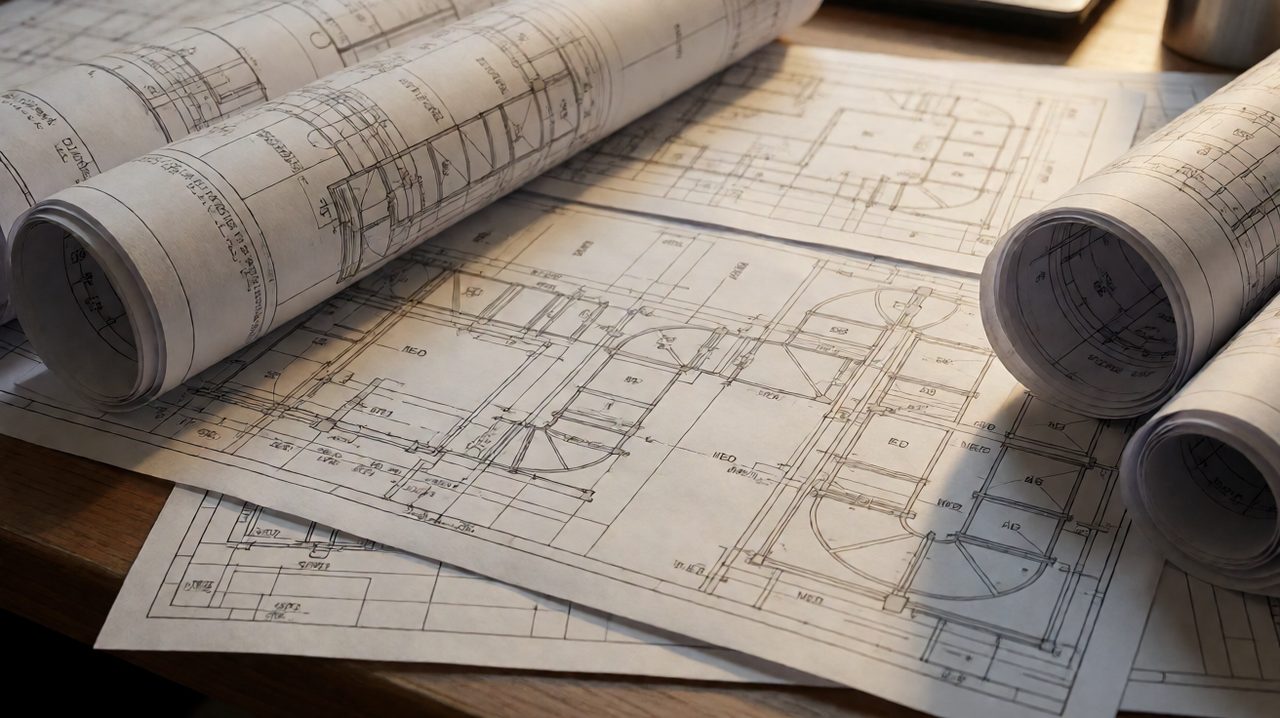
Every MEP firm has lived through this moment. The permit set goes out, everything looks coordinated, and then a single change lands on one discipline's drawings and never quite makes it to the rest. The mechanical plan shows the new duct route. The plumbing plan still shows the old one. The electrical plan was never touched at all. Nobody made a mistake on purpose. The change just drifted.
Revision drift is the quiet version of miscoordination. It does not come from bad design. It comes from how drawing sets are maintained: a stack of separate DWG files, each discipline editing its own sheets, and a change that technically touches all of them but practically gets applied to only some. By the time the drift is discovered, it is usually during construction, and it is always more expensive than the revision would have been.
How Revision Drift Actually Happens
Picture the sequence. The architect shifts a corridor wall by eighteen inches. The mechanical designer reroutes a duct around it, updates the diffuser layout on two floor plans, and adjusts the riser diagram. Then the job gets busy. The plumbing designer is deep in a deadline on another project. The electrical designer copies over the revised background but misses the home run that crossed the old wall location.
Nothing looks wrong in the file list. Every drawing carries the latest revision triangle, because each discipline diligently clouded and dated its own sheet. But the sheets no longer agree with each other. The revision cloud on the mechanical plan references a change that the plumbing and electrical plans silently missed. The set is current and wrong at the same time.
The triggers repeat across every project type. An equipment substitution changes connection sizes on the mechanical sheet while the plumbing and electrical connection details still reflect the old unit. A diffuser relocation fixes the air distribution plan but leaves the ceiling plan and lighting layout out of sync. A panel assignment change updates the one-line but not the branch circuit routing on the floor plans. Each one is a small, defensible oversight. Together, they are the dominant source of field conflicts.
Why Traditional Revision Control Does Not Catch It
Most firms already have revision discipline: clouds, deltas, revision schedules, transmittal logs. Those systems answer one question well, which is what changed on this sheet. They do not answer the question that matters: did this change get applied everywhere it needed to go?
The reason is structural. Revision control in AutoCAD is sheet-centric. Each DWG file tracks its own history. There is no native mechanism tying a mechanical duct reroute to the plumbing and electrical updates the same decision implies. Catching drift requires a human to hold the entire cross-discipline impact in their head while flipping between files, and humans doing that late on a deadline day will miss things.
The usual response is more review: more coordination meetings, more overlay checks, more senior eyes before the set goes out. Review helps, but it is linear effort against a growing problem. Every sheet added to a project multiplies the cross-references a reviewer must verify. Past a certain project size, which most mid-size firms hit long ago, complete manual verification is simply not possible in the time available.
Treating Changes as Cross-Discipline Events
The firms that beat revision drift change the workflow instead of adding more checking. They treat a design change as a single instruction with multi-sheet consequences, rather than as a series of separate edits made in separate files at separate times.
It starts with capturing the change as one plain-language description of what changed and which sheets are affected. The mechanical designer describes the reroute once. The affected scope, plans, sections, and the plumbing and electrical sheets that reference the same spaces, is listed up front. Then every edit happens against the same written intent, not against a memory of a hallway conversation.
This does two things. First, it makes the blast radius explicit before anyone opens a file. Second, it gives every discipline the same description of the change, which kills the most common failure mode: each designer interpreting the change slightly differently and producing drawings that are each internally consistent and mutually contradictory.
Practical Habits That Reduce Drift
- Keep a cross-discipline change log. One row per design decision, listing every drawing it touches. When a row is not fully checked off, the change is not done.
- Describe changes in plain words before editing. A sentence like "reroute the east duct bank around the relocated corridor wall, update diffusers on M-201, and verify plumbing and electrical clearances in that corridor" is a checklist every discipline can verify against.
- Check references, not just drawings. Before closing a revision, open every sheet that references the changed area, even if it belongs to another discipline.
- Standardize the handoff. When one discipline finishes its part of a change, it notifies the affected disciplines explicitly instead of assuming they saw the updated background.
- Audit by change, not by sheet. Spot-check revisions by tracing one design decision across all affected sheets, rather than reviewing sheets in isolation.
Closing the Loop
Revision drift will never be fully eliminated by process alone, because the underlying cause is the gap between a decision and its execution across many files. But firms can close most of that gap by treating changes as cross-discipline events from the start: one description, one impact list, one checklist that spans every affected drawing. The sets that go out are the sets where a change lands everywhere it belongs, on the first pass, before the field ever has to find the miss.
If your firm loses hours every week to re-editing drawings that drifted out of sync, look at AutoMEP, where you describe the change in plain English and the drafting updates are applied across your MEP drawings without macros, coding, or plugin rollouts.