The Room Renumber Ripple: Updating MEP Tags Across the Drawing Set
AutoMEP Team,
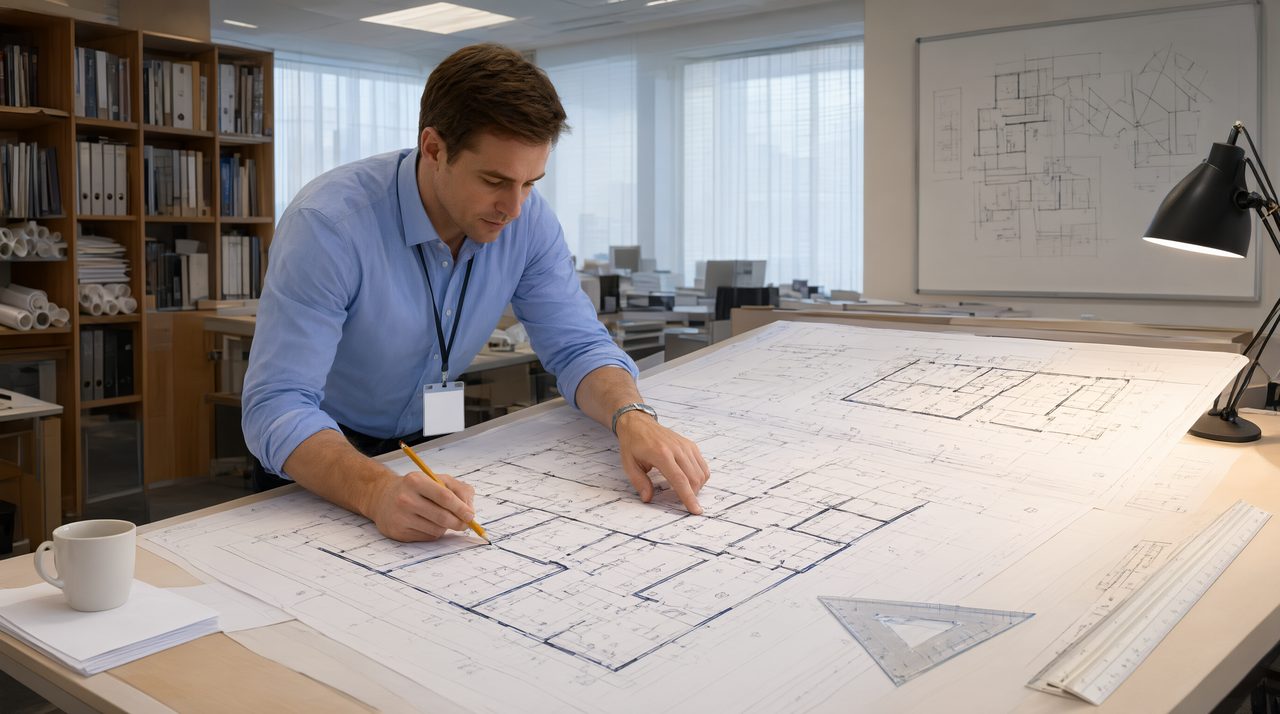
When Room Numbers Stop Matching
Midway through construction documents, the architect renumbers the rooms. Maybe a tenant reconfigured, maybe the owner wants numbers that follow the new floor plan, maybe two suites merged into one. The reason hardly matters. The architect updates the background files, reissues the set, and your MEP drawings are suddenly full of tags that point to room numbers that no longer exist.
In the architect's drawings, a renumber is a background edit. In yours, room numbers live inside equipment tags, panel schedules, damper and valve designations, thermostat labels, lighting fixture callouts, and controls point names. What looked like a simple background swap on the architect's side becomes a hunt through every sheet of your set for every tag carrying an old number.
Where the Renumber Ripples
A room number touches more of your drawings than you expect. Before you start the update, it helps to know everywhere the ripple reaches:
- Equipment tags. AHU-2-115, FCU-3-208, EF-1-104. Equipment designations routinely carry floor and room numbers. Every renumbered room leaves orphan tags on plans, sections, and details.
- Panel and distribution schedules. Circuit directories name the room each circuit feeds. Lighting panel schedules, power panel schedules, and mechanical panel schedules all hold the old numbers.
- Lighting and device tags. Fixture designations, switch labels, receptacle callouts, and sensor tags often embed the room number, especially on lighting plans.
- Damper, valve, and grille schedules. Terminal devices scheduled by room, fire and smoke dampers tagged by location, and VAV boxes named for the zone they serve.
- Controls points. Thermostat IDs, sensor labels, and points lists mirror the room naming. A thermostat named T-STAT 214 is meaningless when room 214 becomes 314.
- Schedules and riser notes. Mechanical and plumbing schedules, plumbing fixture callouts, and riser diagram annotations all reference rooms by number.
The Manual Fix, Sheet by Sheet
The traditional way to handle a renumber is slow, repetitive, and easy to get wrong. You get the architect's renumber table, old numbers on one side, new numbers on the other. Then you open each sheet and work through it.
First you update the tags on the floor plans, the most visible layer. Then you move through schedules, because a tag that is right on plan and wrong in the schedule is a redline waiting to happen. Then details, riser diagrams, and control diagrams, the places where old numbers hide in small text and get missed. Finally the panel schedules and points lists, which live in their own files and are easy to forget entirely.
The real cost is not the first pass. It is the QA. After the edits, someone has to verify that every tag on every sheet matches the new numbering, that no orphan old numbers survived in a keynote or a schedule note, and that the three disciplines agree with each other. On a large project, that check alone can eat a day or more of a CAD manager's time.
A Smarter Way to Run the Renumber
The renumber itself is a deterministic job. The architect hands you a mapping table, old number to new number. Every tag in your set either matches an entry in that table or does not. There is no judgment call, no design decision, just a transformation to apply everywhere the old number appears.
That is exactly the kind of work that should not be done by hand. Instead of hunting through sheets one tag at a time, describe the change once: for every room on the mapping table, update the equipment tags, device designations, schedule entries, and controls labels that carry the old room number to the new one, across every sheet in the set. Then run the QA check the same way, searching the full set for any surviving old numbers.
The benefit is consistency. When the transformation is applied as a single pass, the plans, schedules, and diagrams all move together. No tag is fixed on the plan but missed in the schedule. No damper tag updated while the controls point keeps the old name. The coordination that usually causes the most rework, keeping three disciplines and six document types in agreement, becomes automatic.
Where Automation Fits
This is where plain-language drafting automation earns its keep. Tools like AutoMEP let you describe the renumber in plain English, the same way you would explain it to a drafter, and apply it across the whole drawing set. No macros to write, no find-and-replace scripts to debug, no plugin to roll out to the team.
Describe the change in plain English: which rooms were renumbered, what the old and new numbers are, and which tag types should be updated. The automation finds every matching tag, applies the new numbering, and you review the result. What used to be a multi-day grind through sheets, schedules, and points lists becomes a single controlled operation with a QA pass at the end.
The Renumber Playbook
Whether you automate the pass or not, a consistent workflow keeps renumbers under control:
- Lock the mapping table. Get the architect's renumber in writing and confirm no further changes are coming before you start.
- List every document type the tags touch: plans, schedules, details, risers, controls, and panel schedules.
- Run the transformation as one controlled pass, not a drip of small edits over two weeks.
- Search the finished set for every old number. Any hit is a miss that needs fixing.
- Issue the set with a clear note naming which rooms were renumbered, so the field team and the other trades know what changed.
Stop Spending Days on Background Changes
Room renumbers are never going away. Architects reorganize, owners rebrand floors, tenants merge and split. The question is only how much of your drafting budget each renumber consumes. If your team still works through the mapping table by hand, sheet by sheet, it is worth asking what that time could have gone toward instead.
Next time the architect sends a new background with new numbers, describe the change to AutoMEP and let the automation apply it across the set. Your drafters will thank you, and your QA pass will be shorter than your coffee break.