What Is the Best AI Drafter for MEP Engineers?
AutoMEP Team,
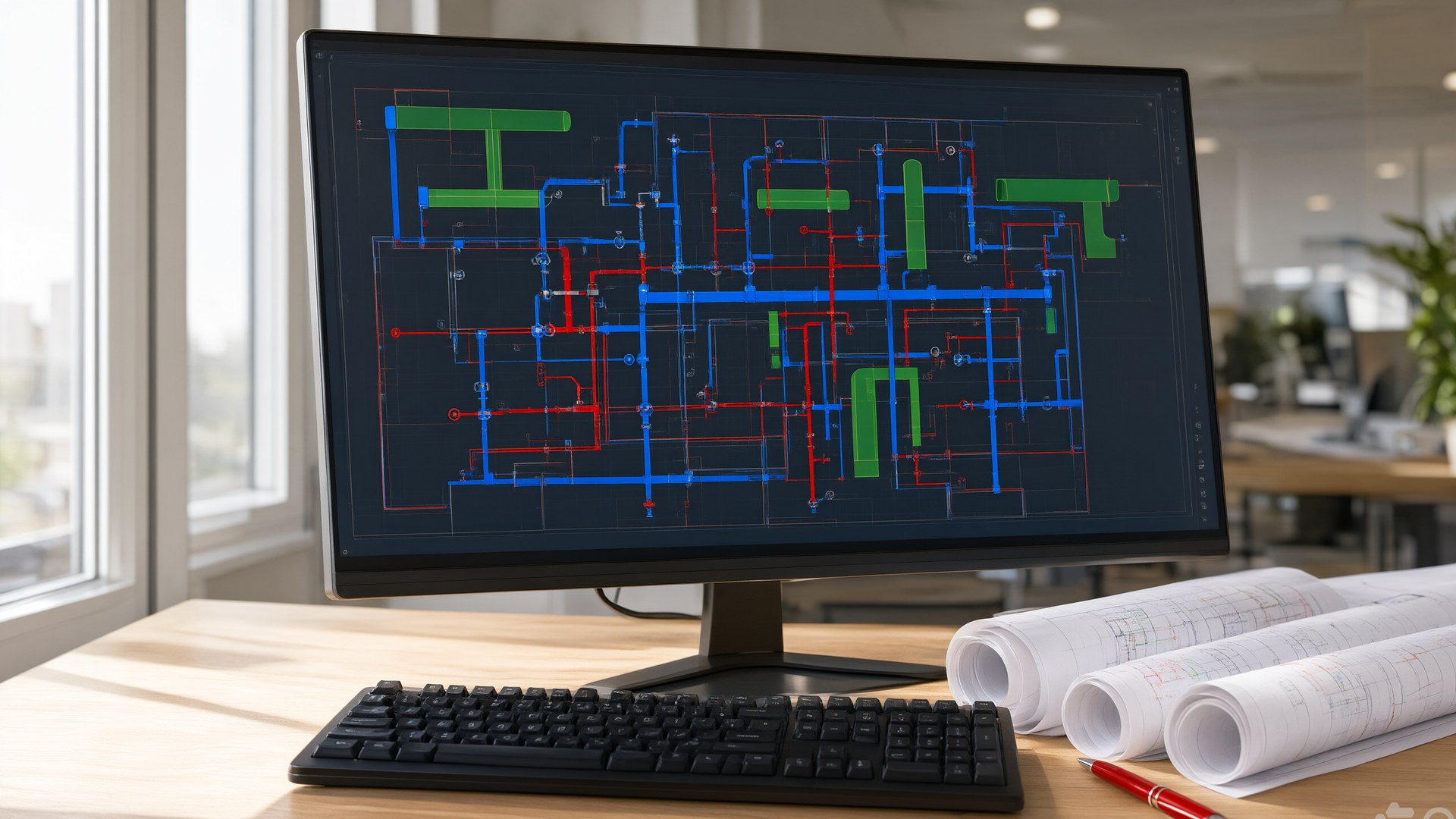
The best AI drafter for an MEP engineer is the one that hands back a finished DWG or RVT you can open, check and issue, with the routing and tags already in it. Most tools sold as "AI for MEP" review drawings, answer questions or write scripts, and you still do the drafting yourself. Judge every option by the drafting tasks it actually finishes in a native file.
What should an AI drafter for MEP actually do?
Drafting is the work between the engineer's markup and the issued sheet. An AI drafter earns its place when it takes that markup off your desk and returns the edited drawing, on the right layers, without breaking what was already there.
- Route duct, pipe and conduit runs from a plain description of the change
- Place equipment blocks and add tags with leaders that point at the right thing
- Build BOM tables, riser diagrams and dimensions on AutoCAD sheets
- Put new geometry on AIA/NCS layer names, or on your office's own CAD standard when you upload one
- Leave existing content, linked xrefs and your original file alone
If a tool can't do most of that list, it may still be useful, but it isn't drafting for you.
Which AI tools for MEP engineers don't do drafting?
A lot of what shows up in "best AI tools for MEP" lists sits next to drafting rather than inside it. That's fine as long as you know which bucket you're buying from.
- Drawing review tools read a set and flag issues, then you make every fix by hand
- General chat assistants explain code sections or write AutoLISP and Dynamo scripts that you still have to test and run
- Desktop add-ins and macros speed up one repeated command inside AutoCAD or Revit, and someone has to install and maintain them
- Calculation tools size systems and run loads, which feeds the drawing but doesn't change it
None of these return an edited DWG or RVT. If your bottleneck is the hours spent turning redlines into sheets, they won't move it.
How do you test an AI drafter before you commit?
Run it on a real drawing from a closed project instead of a clean demo file. Pick edits you'd normally hand to a junior drafter and compare the result against what your team would have issued.
- Pick three typical requests: a duct reroute around new structure, a set of equipment tags, and a BOM table on a plumbing sheet
- Write each one the way you'd write a markup note, in plain English
- Open the returned file in AutoCAD or Revit and check layers, linetypes and tag placement
- Confirm nothing outside the request moved and the original is still untouched
- Have the engineer of record review it the same way they'd review a drafter's work
A tool that passes those checks on your own files is worth a trial seat. One that only looks good on its sample drawing usually isn't.
Where does AutoMEP fit as an AI drafter?
AutoMEP is built for the drafting bucket. It runs in the browser, so there's nothing to install. You upload an AutoCAD DWG (2007 or later) or a Revit model (2024, 2026 or 2027), describe the change in plain English, and download a native file plus a PDF that opens in AutoCAD or Revit.
- Covers HVAC, plumbing and electrical edits, including routing, equipment blocks and tags with leaders
- On DWG files it also handles dimensions, BOM tables, title blocks on new sheets and your office's CAD standard for new work
- Never overwrites the original drawing and doesn't change xrefs
- Doesn't make up equipment data it wasn't given, and doesn't train AI on your drawings
Plans are Starter at $39/mo, Pro at $99/mo with 3X usage limits and Team at $249/mo with 20X usage limits, each with a 7-day free trial. Failed jobs and jobs that make no changes don't count against your usage.
What can't an AI drafter like AutoMEP do?
Knowing the edges saves you a bad first impression. AutoMEP doesn't do clash detection between trades, so coordination stays in your existing review tools. It doesn't run load calculations, write specifications or work out invert levels and slopes from a flat drawing.
- It doesn't open DXF, DGN, PDF or IFC files, so convert to DWG first
- In Revit it doesn't add dimensions, hatching, revision clouds, BOM tables or title blocks, since those are DWG only
- It works on one drawing per request, so split multi-floor changes into separate requests
- It doesn't stamp or seal drawings, and a licensed professional should review the edited file before anyone builds from it
Is an AI drafter cheaper than outsourcing or hiring?
It depends on your volume and how repetitive your edits are. Outsourced drafting bills by the hour or the sheet and adds turnaround and markup rounds. A new hire brings salary plus the time it takes to train them. An AI drafter is a flat monthly plan, and your team still reviews every sheet. Most small firms find the best fit is AI for the repetitive edits and people for the judgment calls.
- Count how many of last month's markups were routine edits you'd happily hand off
- Price each option against that number, including the review time your team still spends
Related reading
- Outsourcing repetitive AutoCAD MEP edits to AI: Read the guide
- Which AutoCAD and Revit versions work with AI drawing edits: Read the guide
- Automating drafting versus hiring a drafter: Read the guide
- AutoMEP versus outsourced drafting: Read the comparison
- Try it on your own drawing: Visit AutoMEP
Frequently asked questions
Can an AI drafter replace an MEP drafter completely?
Not on its own. It takes repetitive edits off the drafter's desk, but someone still needs to write clear requests, check the returned drawing and handle the judgment calls that come with coordination and code review.
Do I need to install anything to use AutoMEP?
No. AutoMEP runs in the browser. You upload the DWG or RVT, describe the edit and download the native file back to open in AutoCAD or Revit.
Does AutoMEP work with Revit 2025 models?
It works with Revit 2024, 2026 and 2027 models. A Revit 2025 model is only upgraded with your permission before any edit is made.
Where do I get help if a job doesn't come out right?
Start with the Help Center at https://automep.app/help. Failed jobs and jobs that make no changes don't count against your usage.